How to repurpose podcast content: one episode, 8 pieces
By The unfill.io team · · 6 min read
Short answer
To repurpose podcast content, start from one episode's recording and pull out the pieces that already exist in it: the summary, chapter timestamps, two or three verbatim quotes, and three to five takeaways. Those become show notes, quote slides, a takeaways carousel, a newsletter and YouTube chapters. Every few months, combine a season's episodes to see what came up again and again.
Jump to the checklist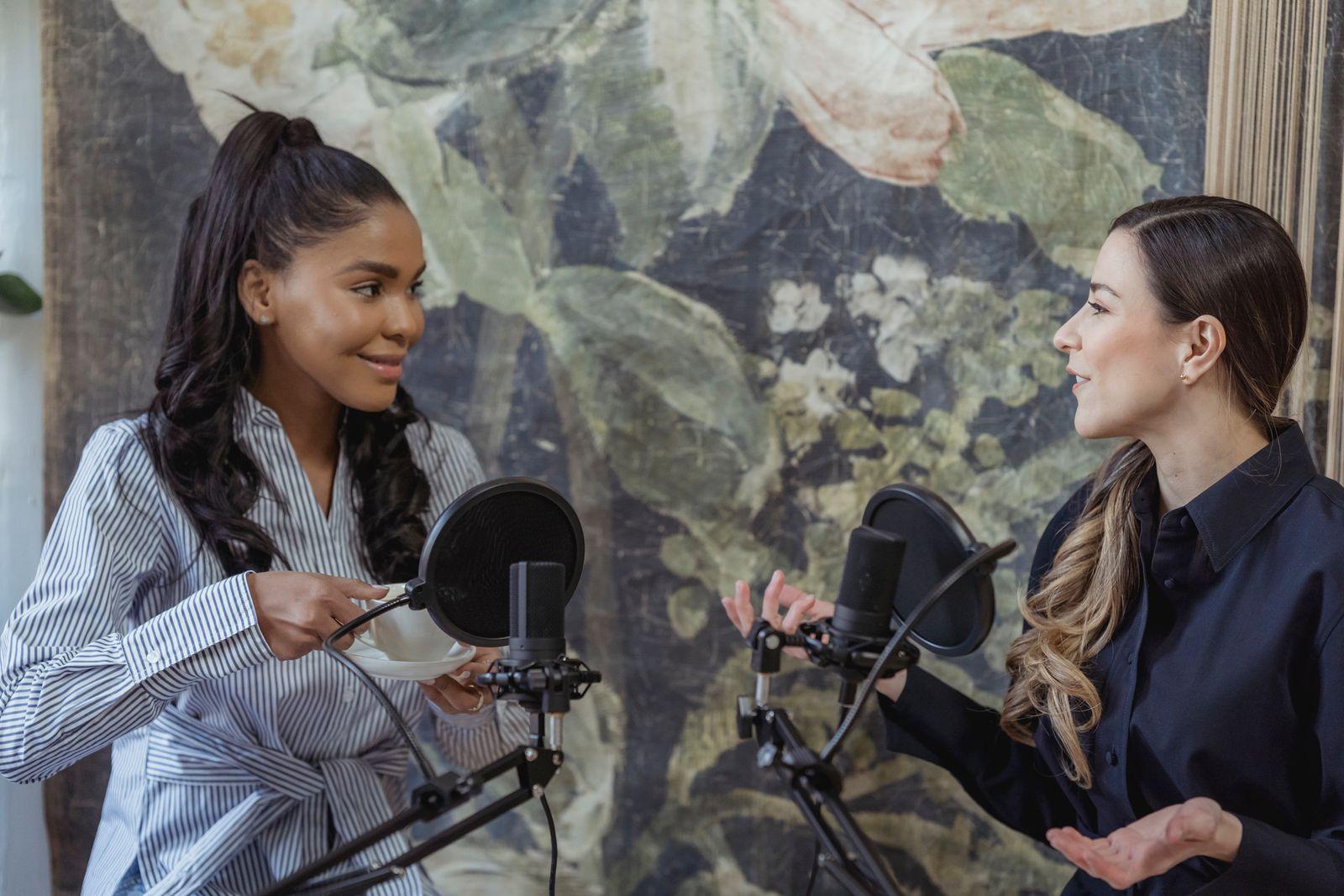
To repurpose podcast content is to take one episode and turn what's already in it into the pieces that promote it: show notes, a summary, quote slides, a takeaways carousel, chapters, and a newsletter. You don't need new ideas for any of them. The quotes, takeaways and timestamps are already in the recording; the work is pulling them out accurately. Below is a checklist for one episode, then how to build each piece, and how to recap a whole season.
What does it mean to repurpose podcast content?
It means one recording does more than one job. The episode is the long version. Repurposed pieces are the short versions that reach people who'll never press play on a 50-minute episode, and remind the people who would.
The trap is treating repurposing as making new content. It isn't. A quote slide is only as good as the quote, and the quote is only good if the guest actually said it, word for word. Start from the recording, not from memory or the episode title.
It pays off most for interview shows, where every episode brings a new voice and new quotes, and for shows that support a business, where each piece is a reason to mention it without an ad read.
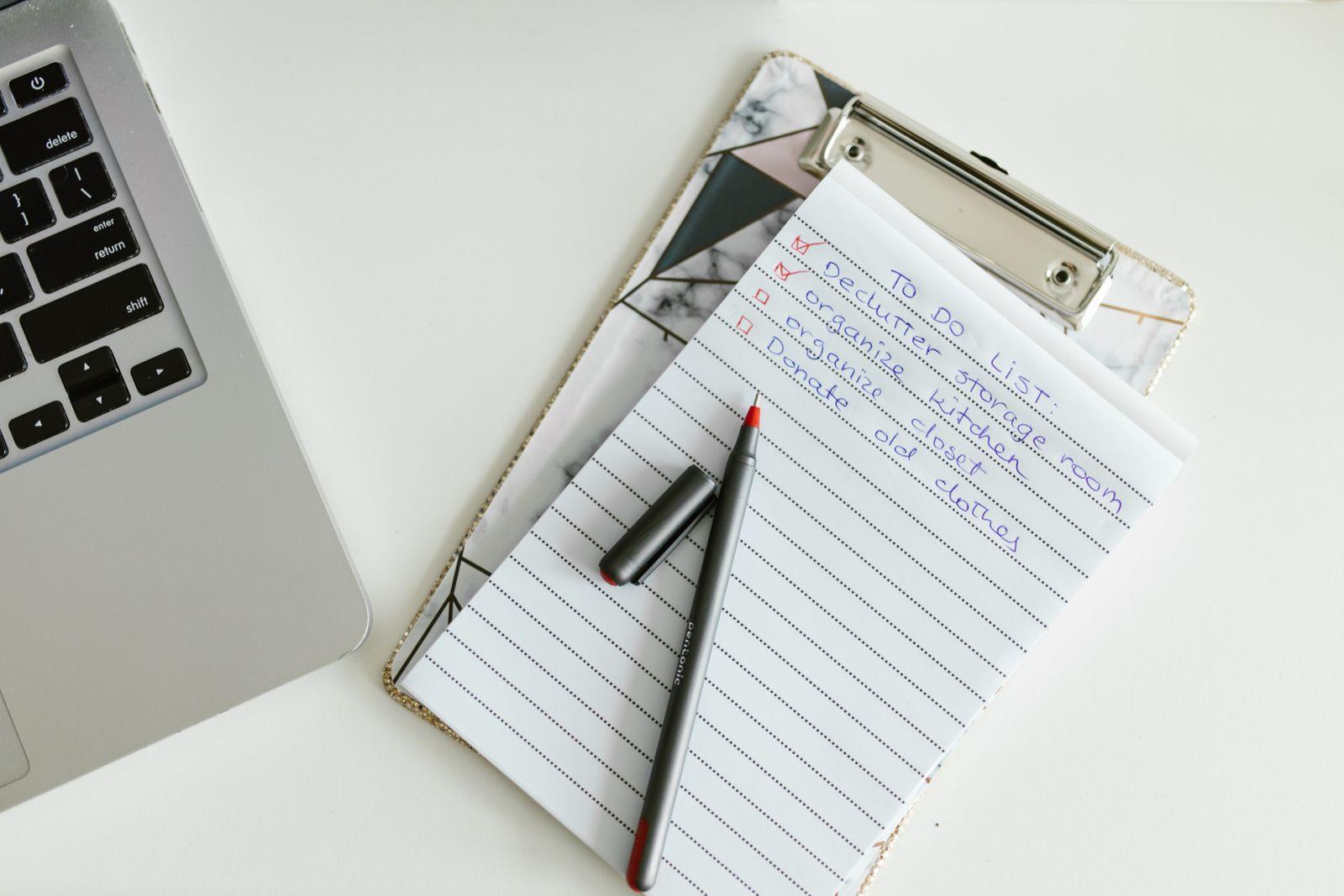
One episode, eight pieces: a repurposing checklist
| Piece | Where it goes | Built from | Made in unfill.io? |
|---|---|---|---|
| Show notes | Episode description, episode page | Summary, chapters, links mentioned | The chapter table and links slide; you paste them in |
| Summary | Top of the description, launch posts | Takeaways | The takeaways slide; you write the three sentences |
| Quote slides | LinkedIn, Instagram | Two or three verbatim quotes | Yes, with the speaker's name |
| Takeaways carousel | LinkedIn document post, Instagram | Three to five takeaways | Yes, as slides you export |
| Chapters | YouTube description, Spotify | Real topic timestamps | Yes, as a chapter table |
| Newsletter | Email to subscribers | Summary, one quote, links | No; you assemble it from the deck |
| Short video clips | Reels, Shorts, TikTok | The timestamp of the best quote | No; use a video editor |
| Season recap | Newsletter, planning, a talk | Several episodes | Yes, with Pro's combine |
Why did the podcast episode start going to the gym? It heard repurposing was all about the reps.

Start with the show notes and the summary
These two come first because everything else borrows from them. The show notes are the full companion to the episode: summary, guest, chapters, and everything mentioned. Our show notes guide has a template you can copy and the timestamp rules for YouTube and Spotify.
The summary is the first few lines of the show notes, and the part you'll reuse most: in the newsletter, at the top of every launch post, and in the message to your guest. Write it three ways: three sentences, three to five bullets, and a takeaways slide. The podcast summary guide has templates for all three.
The newsletter is the same material in a different order: the three-sentence summary, one quote with the guest's name, the links mentioned, and a line on who the episode is for. If you already have the show notes and the summary, the newsletter takes minutes, not an afternoon.

Turn quotes and takeaways into slides for social posts
Quote slides are the most shareable thing an episode produces, because they're the guest's words with the guest's name on them. Pick two or three lines a listener would repeat to a friend. Keep each one word for word.
We saw how much this matters on a recorded sales-training call. The line that mattered was the buyer explaining it wasn't about the product working, it was about time. Notes would have summarised it away. As a quote slide, it was the most forwardable slide in the deck.
Takeaways become a carousel: one claim per slide, three to five slides. To post them:
- On LinkedIn, you can upload the PowerPoint itself as a document post; LinkedIn accepts PPT, PPTX and PDF files up to 100MB and 300 pages (LinkedIn Help).
- For image posts, export the slides as images from PowerPoint, which can save every slide as a separate JPEG or PNG (Microsoft Support), or save the deck as a PDF.
If you record video, a frame of the guest mid-sentence next to their quote does more than a stock background.
Reuse the chapters on YouTube and Spotify
The chapter list in your show notes does a second job: pasted into the YouTube or Spotify description, it can become clickable chapters. Both need the first timestamp at 00:00 and at least three entries; YouTube's rules are in YouTube Help, and our show notes guide covers Spotify's too.
Build the chapters from the episode's real timestamps, where the topic actually changes. A chapter that starts early drops the listener into the middle of the previous topic.

Combine a season of episodes into one deck
Single episodes answer "what did this guest say?" A season answers "what do our guests keep saying?" That's the piece most podcasters never make, because it means relistening to every episode.
On unfill.io Pro, you can combine 2 to 10 recordings, up to 6 hours in total, with the "Podcast season" purpose. The combined deck shows the patterns across episodes, how often each one came up, quotes attributed to each episode, and a "What's next" slide. Use it for an end-of-season newsletter, to plan the next season, or as the outline for a talk. Free covers 2 decks in total and doesn't include combining.

How often should you repurpose podcast content?
Every episode, on a routine, so it doesn't depend on having a spare afternoon:
- Before release: show notes, summary and chapters, so they go out with the episode.
- Launch week: quote slides and the takeaways carousel, one post every day or two, plus the newsletter. Send your guest the quote slide with their name on it.
- End of the season: a combined recap of the season's episodes.
Not every episode deserves every piece. If an episode has no line worth quoting, skip the quote slide rather than forcing a weak one.

Can you repurpose a podcast with AI?
Yes, as long as the AI starts from the recording. Most AI slide tools make pretty decks about nothing; start from what was actually said, not a topic prompt.
That's how unfill.io works. Upload the episode file, or paste the direct MP3 link from your podcast host. It's transcribed and split into timestamped topics; you uncheck the ads and small talk and pick the Podcast episode deck. The deck is designed to include the episode and guest, three to five takeaways, two or three verbatim quotes with the speaker's name, any numbers or frameworks, a chapter table from real timestamps, and the books, tools and links mentioned. Video uploads can add frames from the video to slides, up to 6 per deck. You can edit every slide before downloading an editable PowerPoint with no watermark. See the podcast show notes generator; you can try 2 decks free, no card required, and combining is on Pro (pricing).
When unfill.io isn't the right tool: video clips and audiograms. It makes slides, not video. It also doesn't post anything for you, and it doesn't export images or PDFs itself; that step happens in PowerPoint.
Questions
What is the best way to repurpose podcast content?
Start from the recording and pull out what's already there: the summary, chapter timestamps, two or three verbatim quotes, and three to five takeaways. Turn those into show notes, quote slides, a takeaways carousel and a newsletter.
How often should you repurpose podcast content?
For every episode, on a routine: show notes and chapters before release, quote slides and a carousel during launch week, and a season recap at the end of each season.
How do I turn a podcast episode into a LinkedIn carousel?
Put three to five takeaways on separate slides, then upload the PowerPoint or a PDF as a LinkedIn document post. LinkedIn accepts PPT, PPTX and PDF files up to 100MB and 300 pages.
Can I repurpose old podcast episodes?
Yes. Evergreen episodes work well as quote slides and carousels, and several older episodes on one theme can be combined into a single recap.
Do I need a transcript to repurpose a podcast?
A transcript helps you find quotes and timestamps, but it isn't something to publish as-is. The pieces people share are the quote, the takeaway and the chapter list.
Can unfill.io make video clips from my podcast?
No. It makes slides from the recording. For Reels, Shorts or TikTok clips, use a video editor and the quote's timestamp from the deck.
Turn a recording into an editable deck
Try 2 decks free, no card required. Editable PowerPoint. No watermark.
- No card required
- Files auto-delete