How to record meeting minutes: record, transcribe, write up
By The unfill.io team · · 6 min read
Short answer
To record meeting minutes from audio, ask everyone's permission, test your setup, and record the whole meeting. Afterwards, transcribe the recording, pull out the decisions, owners and dates, and write those up as minutes. Check every name and number against the audio before you send them.
Jump to the checklist
How to record meeting minutes, the recording way: you record the meeting itself, get a transcript, and write the minutes from that instead of from what you managed to scribble down. It lets the minute-taker take part in the meeting, and it means nobody argues later about what was decided. Below: a checklist, then each step, from consent to the write-up.

What does it mean to record meeting minutes?
"Recording minutes" can mean two things. Traditionally, it means writing them down: the secretary records what the meeting did. Today it more often means recording the meeting on audio or video, then turning that into minutes.
This guide is about the second. The minutes themselves don't change: Robert's Rules of Order says "Minutes are a record of what was done at a meeting, not a record of what was said" (Robert's Rules FAQ, question 15). The recording is how you get there accurately. For the structure and a template of the minutes, see how to write meeting minutes.

A checklist for recording meeting minutes
| When | What to do |
|---|---|
| Before | Tell attendees you'll record, and get their consent. Test the microphone with a 30-second trial and play it back. Bring the agenda. |
| Start | Say the date, the meeting name and who's present on the recording. Start recording before the first agenda item. |
| During | Ask the chair to restate each decision and owner out loud. Note the time of anything you'll want to find later. |
| After | Save the file with the meeting name and date. Transcribe it. Write the minutes from the transcript. |
| Before sending | Check names, numbers, decisions and owners against the audio. Have someone who attended read them. |

Before the meeting: get consent and test the setup
Ask first. Tell people at the start of the meeting, or in the invite, that you'll record it and why: to write accurate minutes. Rules on recording conversations differ by country, and in the US by state; some require everyone's consent. The Reporters Committee for Freedom of the Press keeps a state-by-state recording guide. If anyone objects, take notes instead.
Test the setup. Record 30 seconds, then play it back from the far end of the table. A muted microphone, a laptop fan, or a phone at the far end of a long room is easy to catch in a trial and impossible to fix afterwards.
Pick a quiet room. Close the door, and in a video meeting, ask people to mute when they're not speaking. Two people talking at once is the hardest thing to transcribe.
How to record a meeting, in person or online
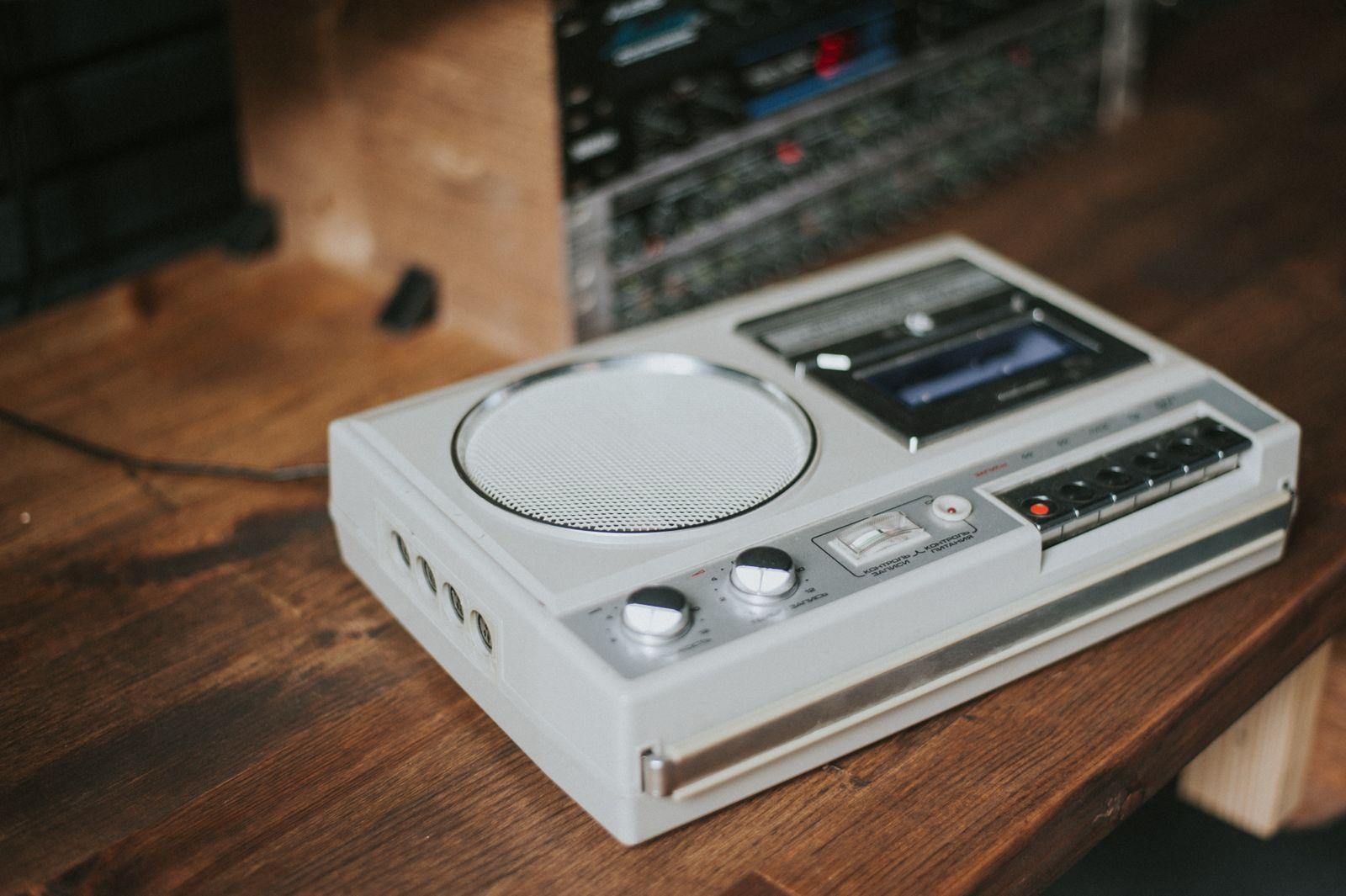
In person. A phone or a small voice recorder in the middle of the table works for a small group. For a large room, use a conference microphone, or put a second device at the other end.
Online. Use your meeting platform's built-in recording, if your account allows it, and download the file when it's ready. A link to the recording page isn't the same as the file; most tools that work with recordings need the file itself.
Either way:
- Start recording before the first agenda item, and say the date and meeting name.
- Ask the chair to restate decisions: "So we're agreed: Maya owns the launch checklist, due Friday."
- Name the file straight away, for example "2026-10-05 Product sync", so it's easy to find in six months.
Mistakes that ruin a recording
- Crosstalk. When two people talk at once, neither is usable. Ask the chair to take one speaker at a time on decisions.
- One device, one copy. Phones run out of battery and storage. Check both before the meeting, and copy the file somewhere safe as soon as it ends.
- Recording the room, not the speaker. In a video meeting, a laptop's speakers recorded by a phone sound far worse than the platform's own recording.
- Skipping the playback check. Listen to a minute from the middle before you start transcribing, so you know which parts need care.
How to transcribe the recording
You have three options:
- Your meeting platform's transcript. Many tools can produce one alongside the recording. It's the quickest if it's available.
- A transcription tool. Upload the file and download the text. Check that it labels speakers, because minutes need names.
- An AI assistant. Some can record and transcribe in one go; see can ChatGPT take meeting notes for what that does and doesn't cover.
Whichever you use, fix speaker names first. Transcripts often label people "Speaker 1" and "Speaker 2", and a name in the wrong place in the minutes is worse than no name.

How to turn the recording into minutes
The transcript is raw material, not the minutes. Go through it agenda item by agenda item and pull out:
- who attended, and who was absent;
- each decision, in one sentence;
- each action item, with an owner and a due date;
- anything left open, and the date of the next meeting.
If nothing was decided on an item, the minutes should say so. Invented action items are worse than none.
Then check before you send. We learned the difference between "ready" and "right" the hard way: after an AI model upgrade, our first test deck came back marked ready with zero slides, because the code was reading the model's reasoning instead of its answer. A one-line fix, and the same lesson applies here. A transcript that looks complete can still have the wrong name next to a decision. Play back the parts where something was decided. Then send the minutes within a day or two, while people still remember the meeting well enough to correct them.
Why are meeting minutes never on time? They're always running a few minutes behind.

Should you keep the recording?
That depends on your organization. Some teams treat the approved minutes as the official record and delete the recording once the minutes are approved; others keep both. Check your own policy, and for a board or a public body, ask whoever handles your records. If you do keep recordings, store them where only the people who need them can open them.

Recording to minutes without the retyping
If you'd rather skip the transcript stage, unfill.io works from the recording itself. Upload the file (MP3, MP4, MOV, WAV, M4A, WebM, AAC or OGG, up to 500MB), or paste a direct download link. It's transcribed and split into timestamped topics; uncheck the small talk and pick the Meeting recap deck. You get minutes-style recap slides covering topics discussed, who said what, decisions, action items with owners and dates, and next steps, plus a recap email draft. Name the speakers once and the slides use real names. Uploaded recordings are automatically deleted about 24 hours after upload. See AI meeting minutes; you can try 2 decks free, no card required (pricing).
When unfill.io isn't the right tool: formal legal minutes. It doesn't produce motions, seconds, vote counts, quorum or an attendance roll, and its output is an editable PowerPoint, not a Word document. For a board, use it as a draft and review it before filing anything official. It also doesn't record the meeting for you; you need the recording first.
Questions
Is it legal to record a meeting for minutes?
It depends on where you are. Some places, including some US states, require everyone's consent. The simplest rule is to tell everyone you're recording and why, and stop if anyone objects.
What is the best way to record meeting minutes?
Record the meeting with everyone's consent, transcribe the recording, and write the minutes from the transcript: decisions, owners, due dates and open items. Check them against the audio before sending.
How do I record and transcribe meeting minutes for free?
Record with a phone or your meeting platform's recording feature, and use its transcript if it offers one. Fix the speaker names, then write up the decisions and action items.
Do meeting minutes need to be word for word?
No. Minutes record what was decided and who will do what, not everything that was said. The recording is there to make sure that record is accurate.
Who should record the meeting minutes?
One named person per meeting, ideally not the chair. With a recording, that person can take part in the meeting and write the minutes afterwards.
Should the recording be shared with attendees?
Usually the minutes are shared, not the recording. Follow your organization's policy, and only share a recording with people who agreed to be recorded.
Turn a recording into an editable deck
Try 2 decks free, no card required. Editable PowerPoint. No watermark.
- No card required
- Files auto-delete